At a glance
- The shift: $239 buys 512 × 384 from a 256 × 192 detector; $1,399 buys 19,200 measured points.
- The number: 49,152 measured points — four times fewer than the box claims.
- The risk: Comparing advertised resolution pits an upscale against a sampling limit.
Where the pixel count comes from
Two posts five days apart set up the comparison. On 15 October, builder Cezar Chirila published a thermal camera built around a 160 × 120 Flir Lepton 3.5 sensor, driven from a browser page instead of a phone app [3]. On 20 October, Thermal Master published a home-inspection guide recommending its P3 Lite for “512 × 384 X³IR resolution and ≤40 mK thermal sensitivity” [2]. The first camera states its array and stops there. The second prints a number its detector never produced, then names the 256 × 192 array in its own spec table [1]. What I find hard to square: both numbers sit on the same page.
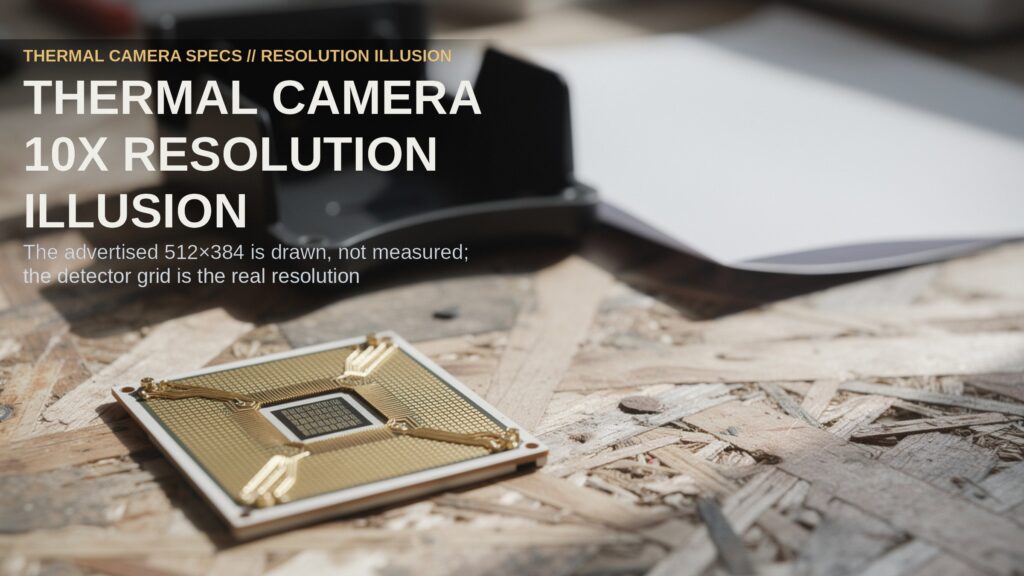
The hardware explains the gap. A thermal camera focuses heat onto a microbolometer — a chip that measures temperature at every point on a fixed grid. That grid is the native resolution, and it is the only place the camera actually measures: 256 columns by 192 rows on the P3 Lite, 160 by 120 on the Flir E5 Pro [1]. Upscaling fills the gaps between those points with calculated values, which smooths the picture and adds nothing about the wall. The P3 Lite’s own overview says as much, describing how the software “upscales native 256×192 thermal resolution to 512×384” [1].
A second figure decides whether the measured points can separate a wet stud bay from a dry one. Noise-equivalent temperature difference (NETD) is the smallest temperature step the camera can resolve, and the P3 Lite publishes it at 40 millikelvin or better [1]. Finer contrast helps the eye pick out a cold seam. It does not add measured points, and no upscaler can improve it.
| Camera | Detector grid (measured points) | Advertised resolution | Price, read 2026-11-07 | Viewer |
|---|---|---|---|---|
| Thermal Master P3 Lite | 256 × 192 (49,152) | 512 × 384 | $239 sale, $269 list | Phone app or PC |
| Flir One | 80 × 60 (4,800) | 80 × 60 | $249 | Phone app |
| Flir E5 Pro | 160 × 120 (19,200) | 160 × 120 | $1,399 | Onboard screen and cloud |
By the numbers
- 49,152 points: The detector grid behind the P3 Lite’s 512 × 384 marketing figure [1].
- 19,200 points: The count Flir prints on its own E5 Pro page, labelled as pixels [6].
- 4,800 points: The Flir One’s 80 × 60 array — one tenth of the cheap camera’s detector [5].
Three questions before you buy
- What does the detector row say? The array is the one figure a vendor cannot inflate without contradicting its own table [1].
- Who maintains the viewer? The software that turns samples into a picture is the part that ages fastest [3].
- What happens to the picture afterwards? A report someone else will accept needs more than an image [6].
Take the first question seriously and the price ladder looks different. The P3 Lite measures 2.6 times as many points as the E5 Pro and 10 times as many as the Flir One, and it costs less than either. That is a real gain for a homeowner scanning a wall, and it is the strongest thing that can be said for the camera.
The second question is why Chirila avoided an app in the first place. His reason was longevity: “being tied to an app meant that I would need to maintain it if I didn’t want the device to become obsolete” [3]. Hackaday put the same trade more bluntly the day it covered the build, calling today’s app tomorrow’s non-functional abandonware [4]. A camera body outlives several phone systems, and the viewer is the piece that stops working first.
The third question is where the expensive camera earns its keep. Flir sells that model with a report workflow, a year of cloud storage, a warranty, and training attached [6]. A paid inspection is selling that package, not the sensor. A homeowner comparing arrays alone has stopped comparing the products.
The catch
Upscaling is not a trick, and this piece would be dishonest to call it one. A smoothed rendering of a 256 × 192 grid is easier to read than a blocky one, and the algorithm behind it takes work to build. What the number cannot do is tell a buyer how much of the house the camera measured — the spec table answers that in one line.
The top tier is not overpriced either, once the argument moves off resolution. A screen, cloud storage, a warranty and training are why a contractor can hand a client a document at the end, and a pocket camera with a browser viewer replaces none of them [6]. The part I keep circling is narrower: the cheap instrument now wins on the raw material of the picture and loses on everything that has to happen after the picture exists. Buy the detector, rent the workflow, and know which one the job needs before the wall comes open. A cheap imager still needs a real temperature spread across the wall before it shows a missing batt, and no resolution figure fixes that either — that limit is the one to check first.
Related reading
- Your $149.99 Scope Blinds Past 3.94 — more on Home Diagnostic Tools
- Your Basement Lease Risks $500,000 — more on Energy & Efficiency
Sources
- [1] Thermal Master, “P3 Lite Thermal Camera for iPhone & Android” (product page, prices read 2026-11-07) — https://thermalmaster.com/products/p3-lite-thermal-camera-for-iphone-and-android
- [2] Thermal Master, “A Thermal Camera Worth Buying for Home Inspection in 2026”, 2026-10-20 — https://thermalmaster.com/blogs/blog/a-thermal-camera-worth-buying-for-home-inspection-in-2026
- [3] Cezar Chirila, “Picothermal”, 2026-10-15 — https://www.cezarchirila.com/blog/2026/10/picothermal/
- [4] Hackaday, “A Thermal Camera That Uses WebUSB”, 2026-10-15 — https://hackaday.com/2026/10/15/a-thermal-camera-that-uses-webusb
- [5] Flir, online store (prices read 2026-11-07) — https://www.flir.com/store
- [6] Flir, “E5 Pro Pro-Series Infrared Camera with Ignite Cloud” (price read 2026-11-07) — https://www.flir.com/products/e5-pro/